DevOps icons
Pipelines, containers, terminals, branches, monitoring, the build-and-run loop and the deploy that ships it. 7 animated isometric icons, each one a small object that lands on its plinth and comes to life.
What is in the DevOps set?
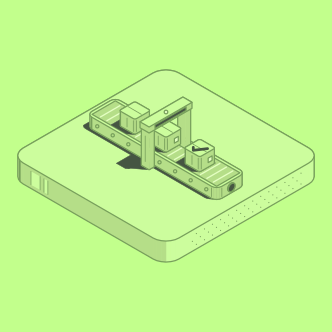
- CI/CD pipeline: A conveyor belt lands with a gate arched over its middle. Three parcels drop onto the belt. The belt runs: the parcels ride forward, the gate light comes on, and the parcel that has passed through gets a check mark.
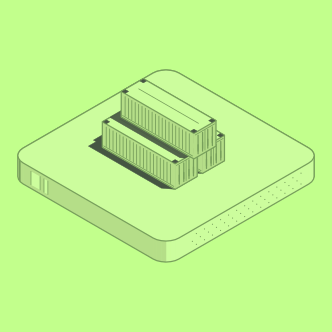
- Container stack: Two ribbed shipping containers drop side by side, and a third lands across their roofs. Each has doors with locking bars on its end. The top container's door handles swing down and lock.
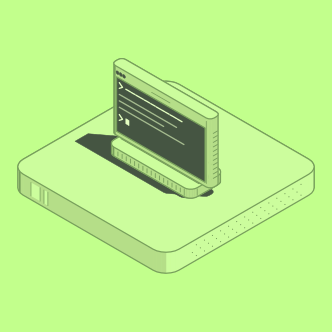
- Terminal: A dark terminal window lands upright on a heavy base. A prompt arrow sits at its left; a command types itself out, a few lines of output appear below it, and a new prompt waits with a solid cursor.
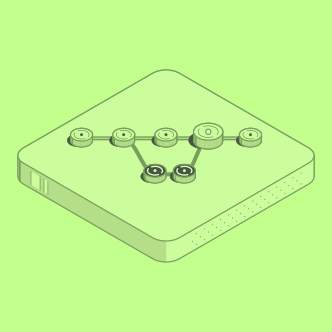
- Branch and merge: Commits land in a row as round pucks on a line. A side branch peels off, gets two commits of its own, and then a line joins it back into the main line, where a bigger merge commit lights up.
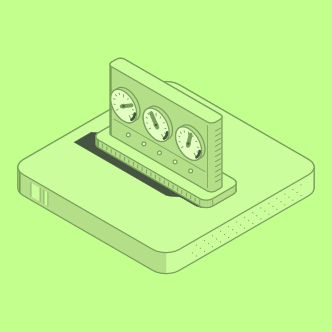
- Monitoring gauges: A monitoring panel lands upright on its base. Three round gauges sit in a row on its face; their needles sweep up and settle on a reading, and five status lights along the bottom come on one by one.
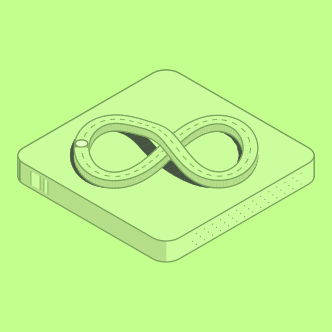
- Infinity loop: A raised track shaped like an infinity sign lands on the plinth; where it crosses itself one strand rises over the other on a small bridge. A token rides the track, over the bridge, round the far loop, and stops.
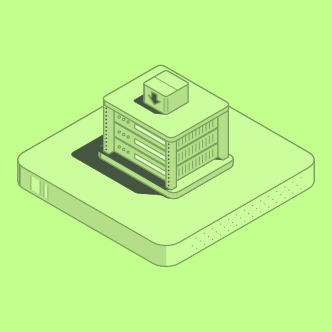
- Deploy to rack: An open server rack frame lands, and three servers slide down into it one above another. A parcel with a down arrow drops onto the rack's roof, and the servers' lights and progress bars fill in a cascade from top to bottom.